File Validation Control, Fulfillments Tab & Organisation Preferences
Release notes
Release notes
v0.3.12 File Validation Control, Fulfillments Tab & Organisation Preferences
Updated Fabrex engine (React 17 upgrade)
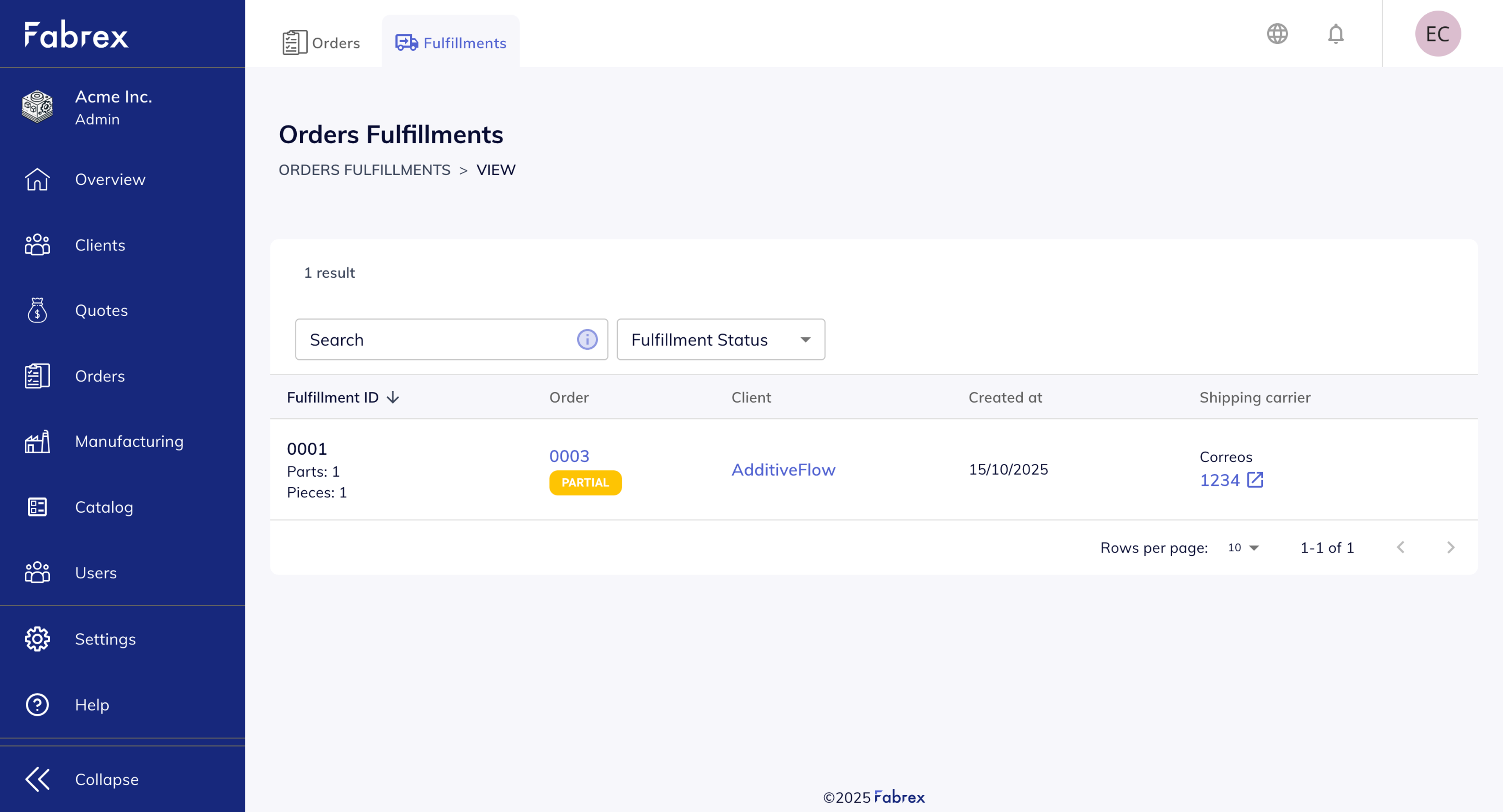
Added: Order Fulfillments Tab under Orders
Added: Organisation language selection in tenant preferences
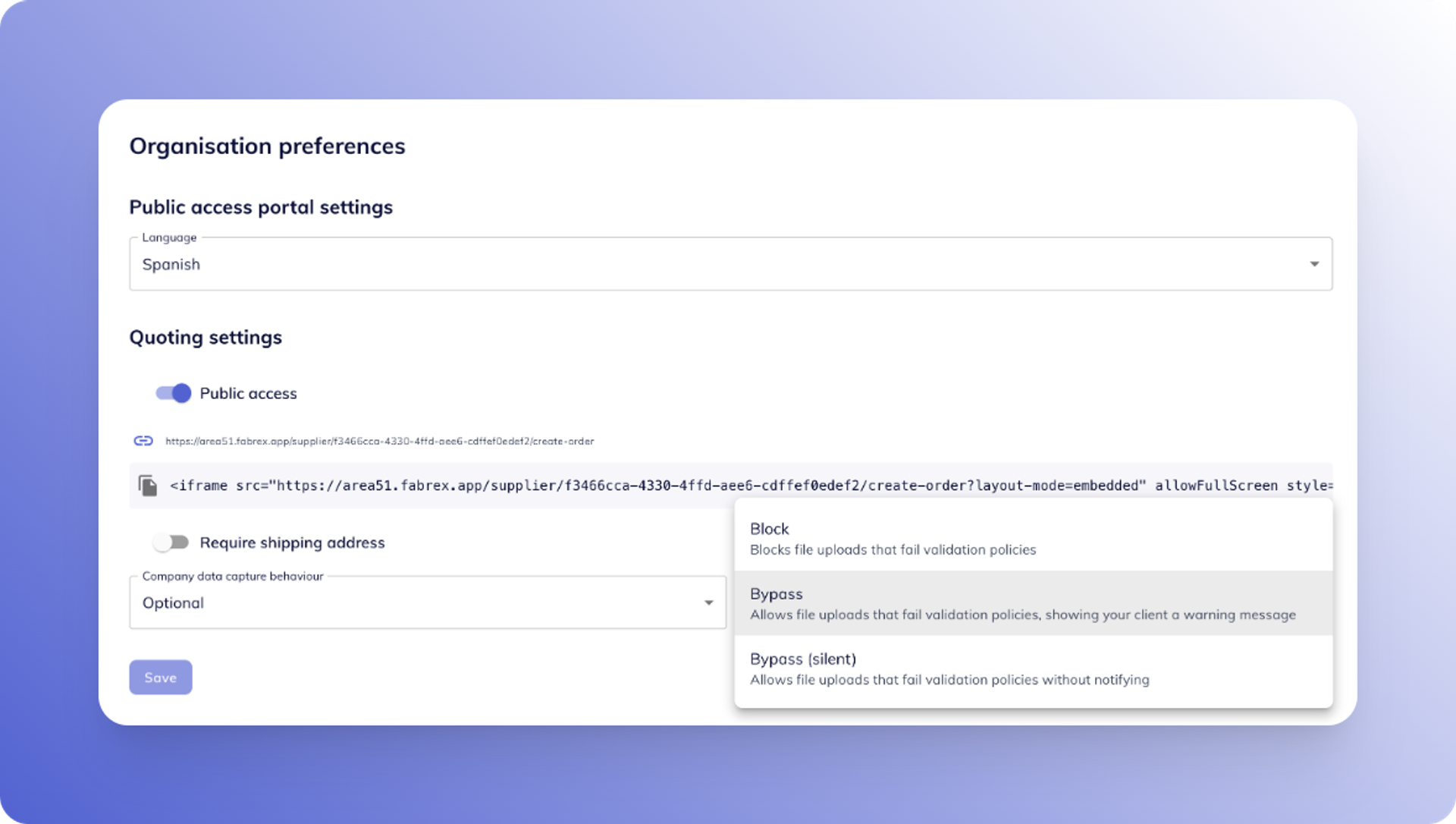
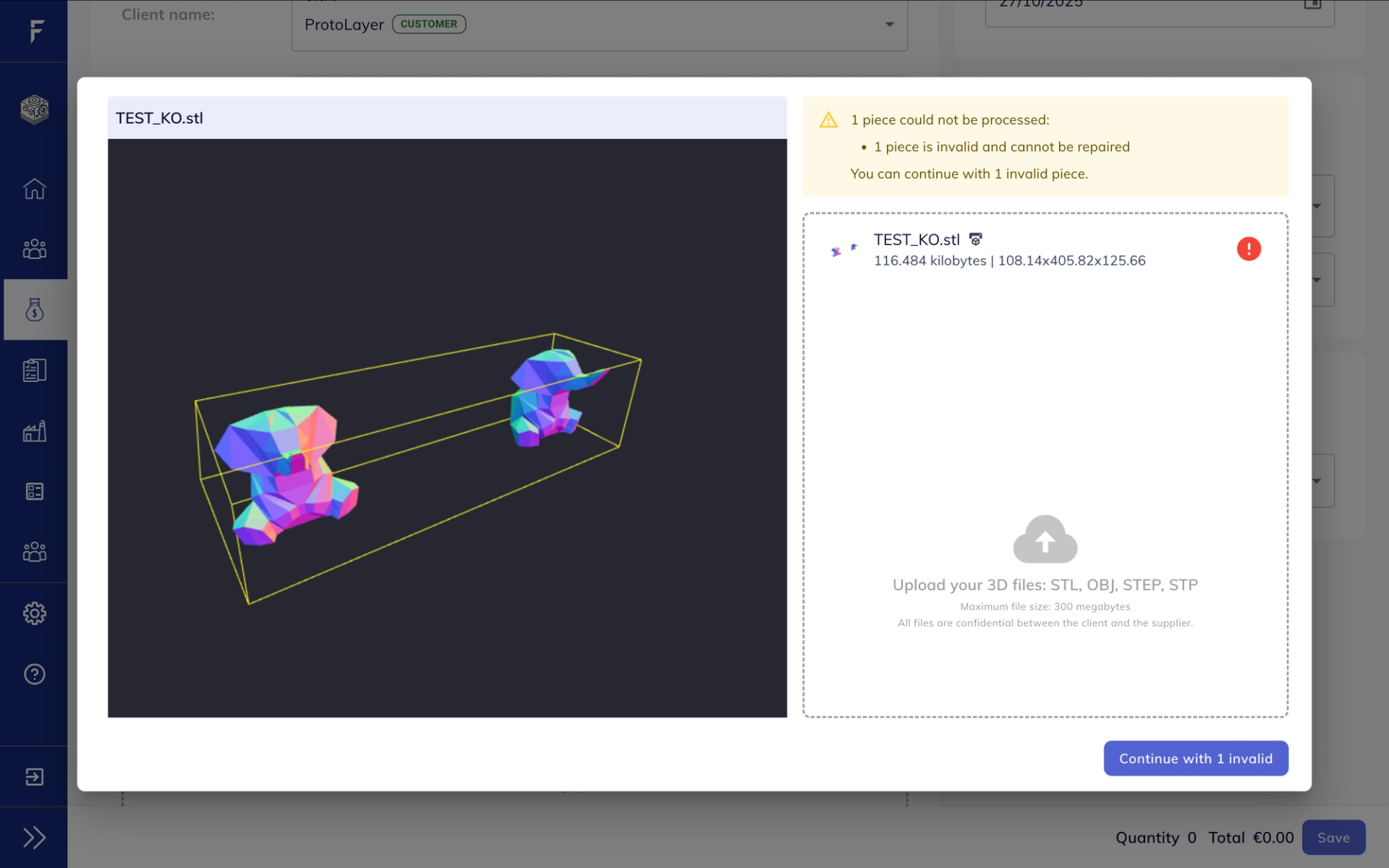
Added: File validation control for client uploads (Block, Bypass, Silent)
Fixed: In some occasions transaction emails were not being sent
Fixed: Style issue with long file names
Fixed: Display of organisation language setting
File Validation Control, Fulfillments Tab & Organisation Preferences
More control over validation handling. A clearer view of order fulfillment. Language-aware tenant settings.
Order Fulfillments Tab
Track fulfilments directly from the Orders section
Suppliers can now view and manage fulfillments from a dedicated tab inside the Orders page — giving them a real-time overview of what’s been shipped, completed, or is still in progress.
- Go to Orders → Fulfillments to see all fulfillments grouped under each order
- Each line shows fulfillment status, date, quantities, and custom notes
- Ideal for managing staged shipments, partial deliveries, or manufacturing updates
Tenant Settings: Language Preference & Validation Handling
Redesigned settings for language & validation control
The organisation settings page has been refreshed with two key improvements:
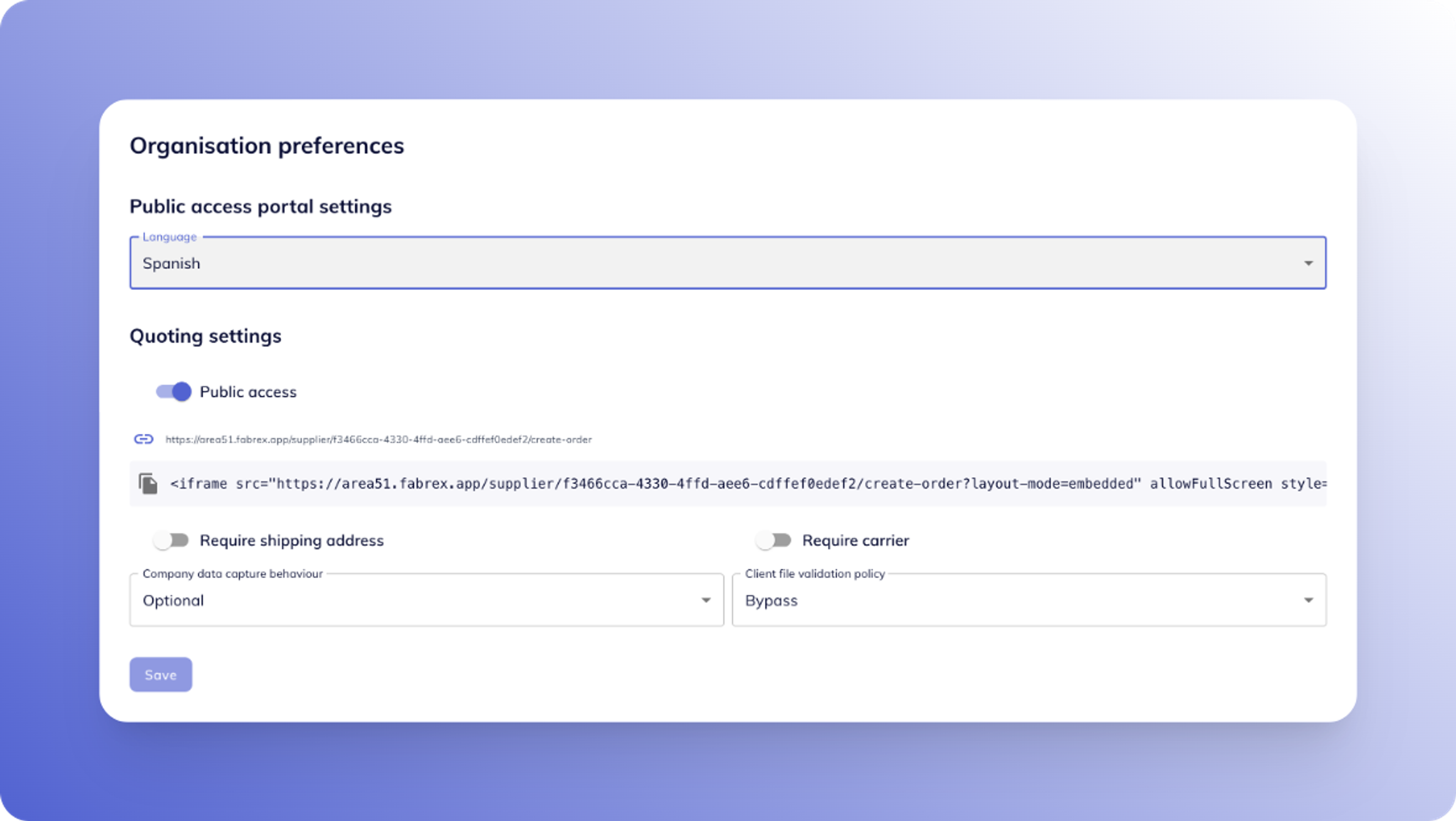
Language selection
- Organisations can now set their preferred UI language
- The active language is clearly displayed and stored
- Prepares Fabrex for full multilingual support
File validation control
Suppliers can now decide how to handle client file uploads that fail validation checks. Choose between:

Block
Prevent the file from uploading

Bypass
Allow the upload but show a warning to the client

Bypass (silent)
Allow the upload without any client-side message