
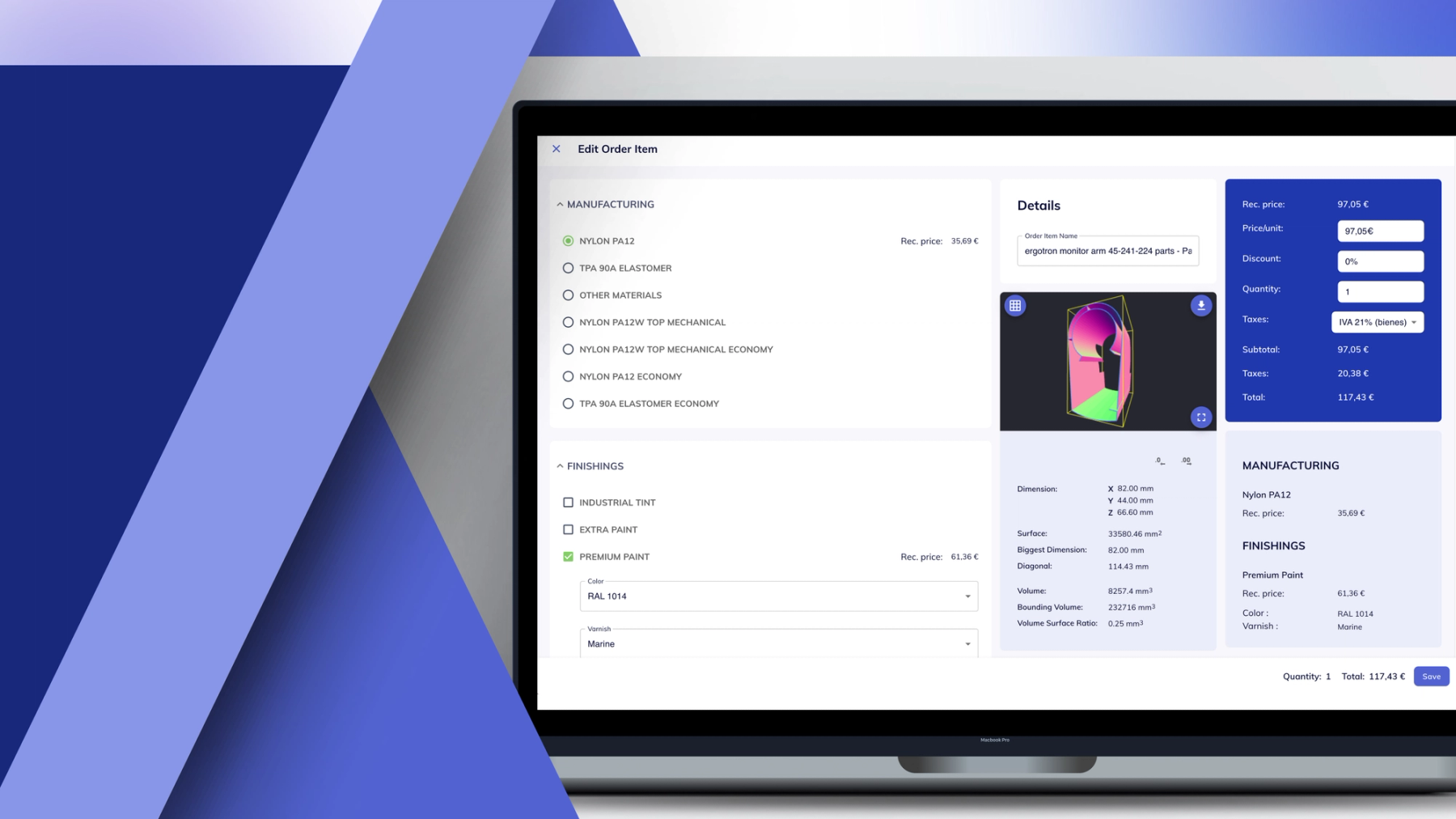
Fabrex CRM: Built for Fast-Moving Workflows
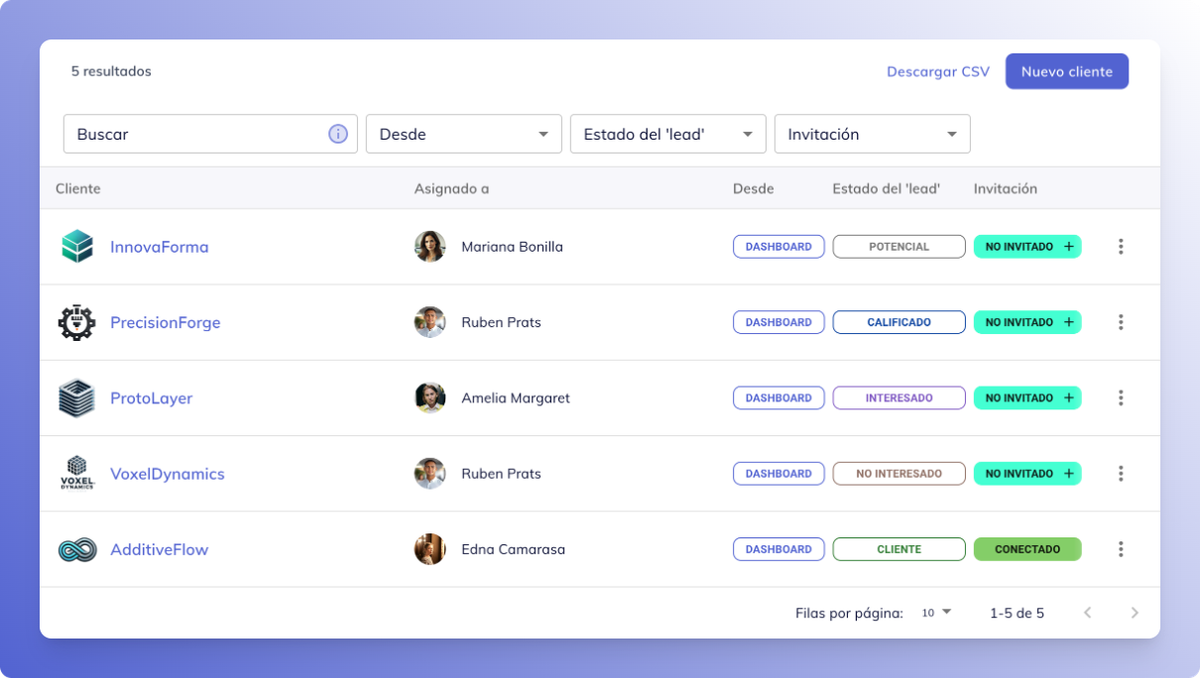
Smart Lead Management
Quickly capture, qualify, and assign leads without slowing down. Whether through forms, email, or reps, every potential project enters a structured pipeline.
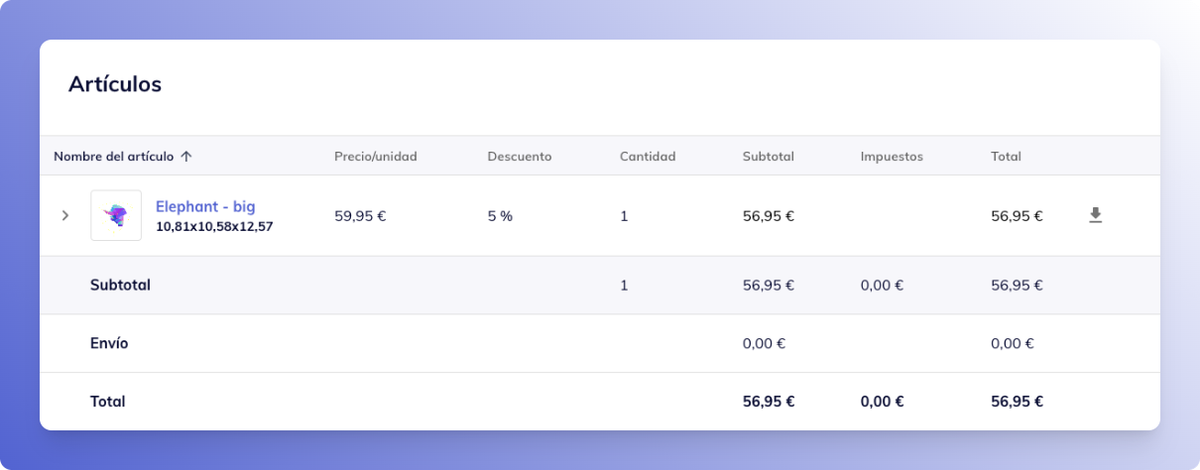
Instant, Accurate Quoting
Create and send quotes in minutes with integrated pricing logic and past job templates. No more back-and-forth or manual errors.
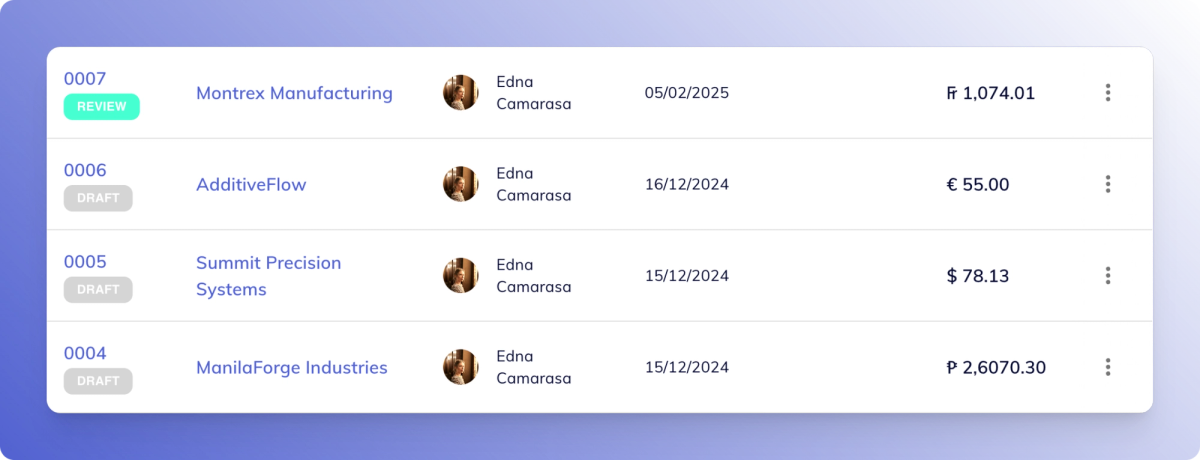
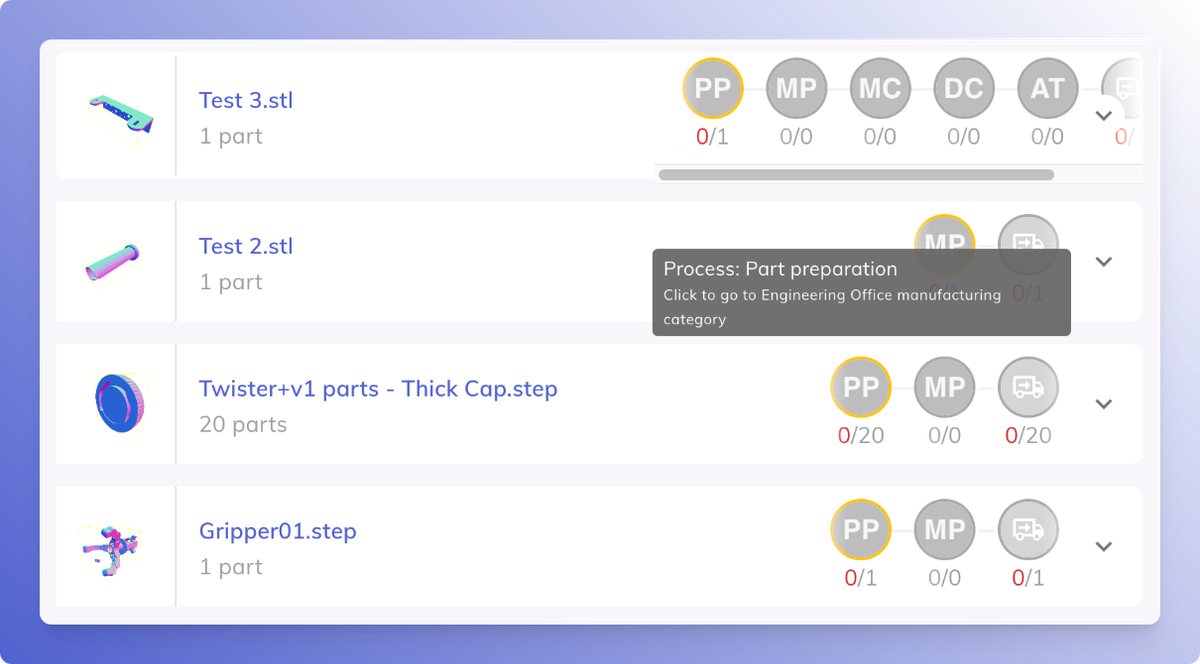
Integrated Order Status Tracking
Keep your clients in the loop automatically. Sync order status updates from production to CRM with client alerts built-in.
All-in-One Communication History
Track emails, messages, files, and notes in one timeline—so nothing gets lost and everyone stays aligned.
Key Benefits for Prototyping Teams
Faster turnaround times
Respond quicker to requests and get quotes out same-day.

Reduced handoff errors
By keeping sales and production on the same page.

Higher client satisfaction
With clear updates and faster delivery

More repeat orders
From clients who trust your responsiveness and reliability.

How It Works: From Inquiry to Repeat Order
01
A customer places an order online.
02
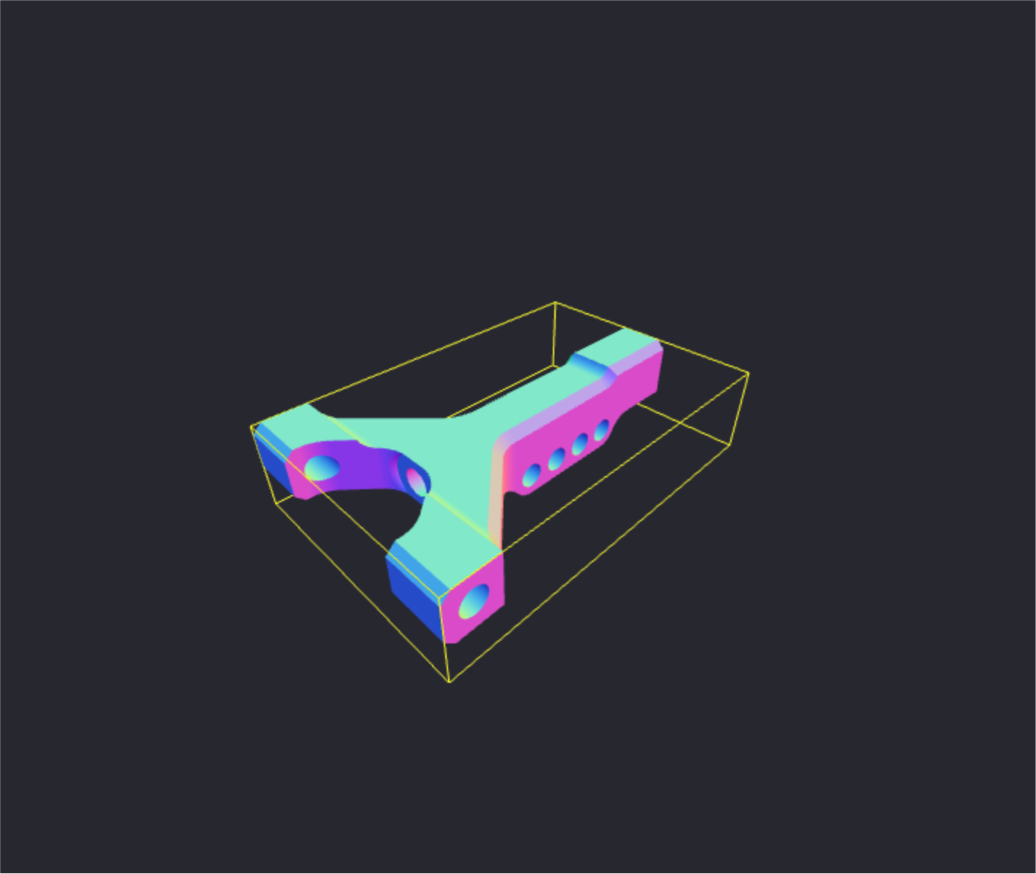
The order enters Fabrex MES instantly and appears on the dashboard.
03
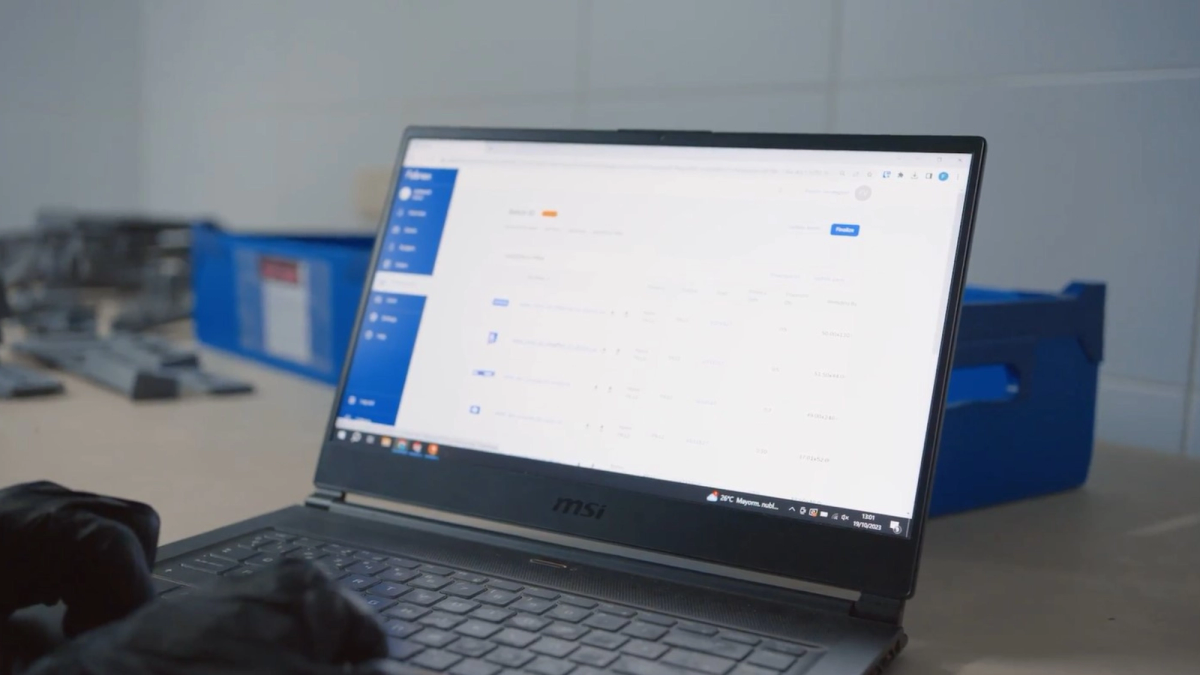
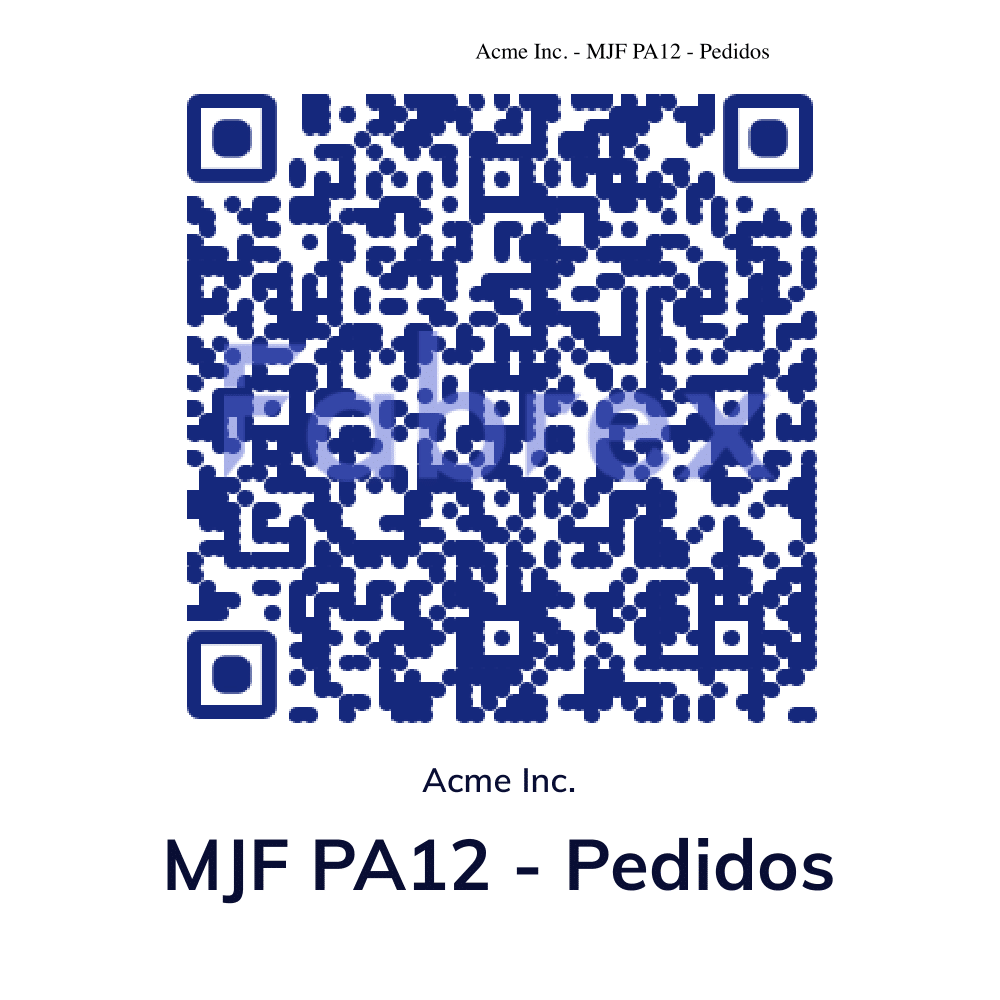
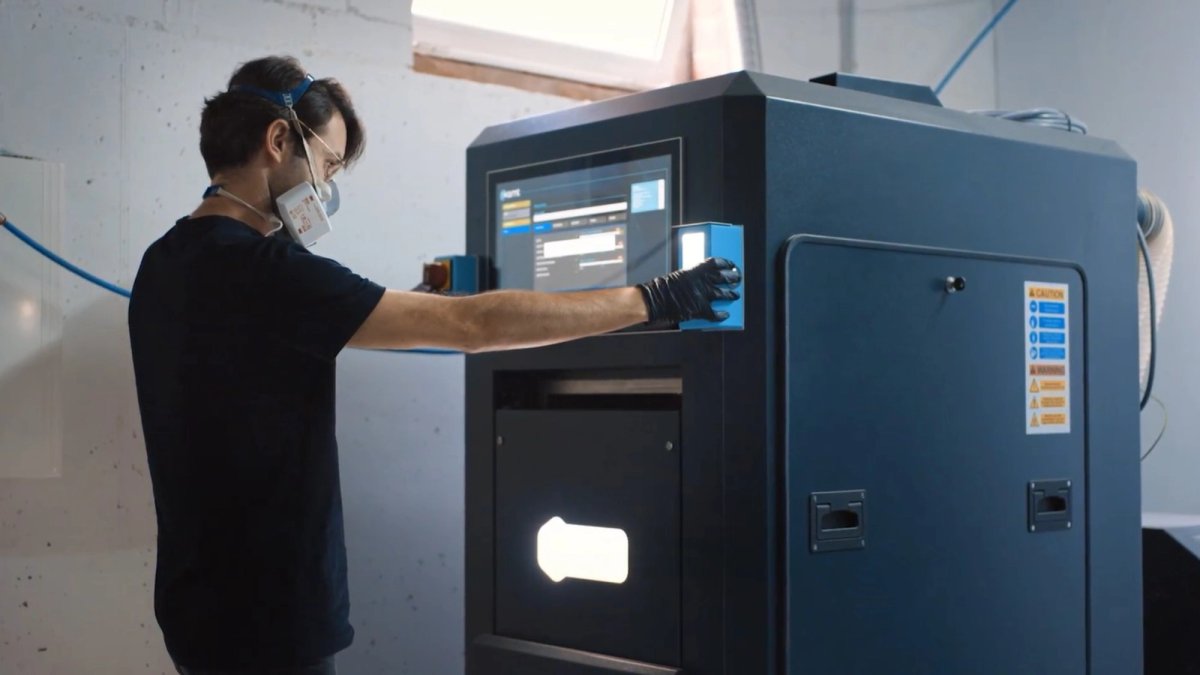
Operators scan a QR code to begin production.
04
The operator completes the print job and performs quality assurance (QA) checks.
05
Status updates push automatically to sales and customer service.

06
Client receives a shipping confirmation as soon as fulfillment is complete.

Why Choose Fabrex CRM
Specifically for 3D printing workflows
No bloated features. Just what you need to move fast.

Low barrier to entry
Easy to set up, even easier to use.

Grows with you
Whether you’re doing 10 or 100 jobs a week, Fabrex adapts to your scale.

Published by Fabrex ·
More news & stories